
An honest guide to Google Ads for BPC-157 brands: how Google treats the compound, how it compares with TB-500 and retatrutide, and the account setup that protects the business.
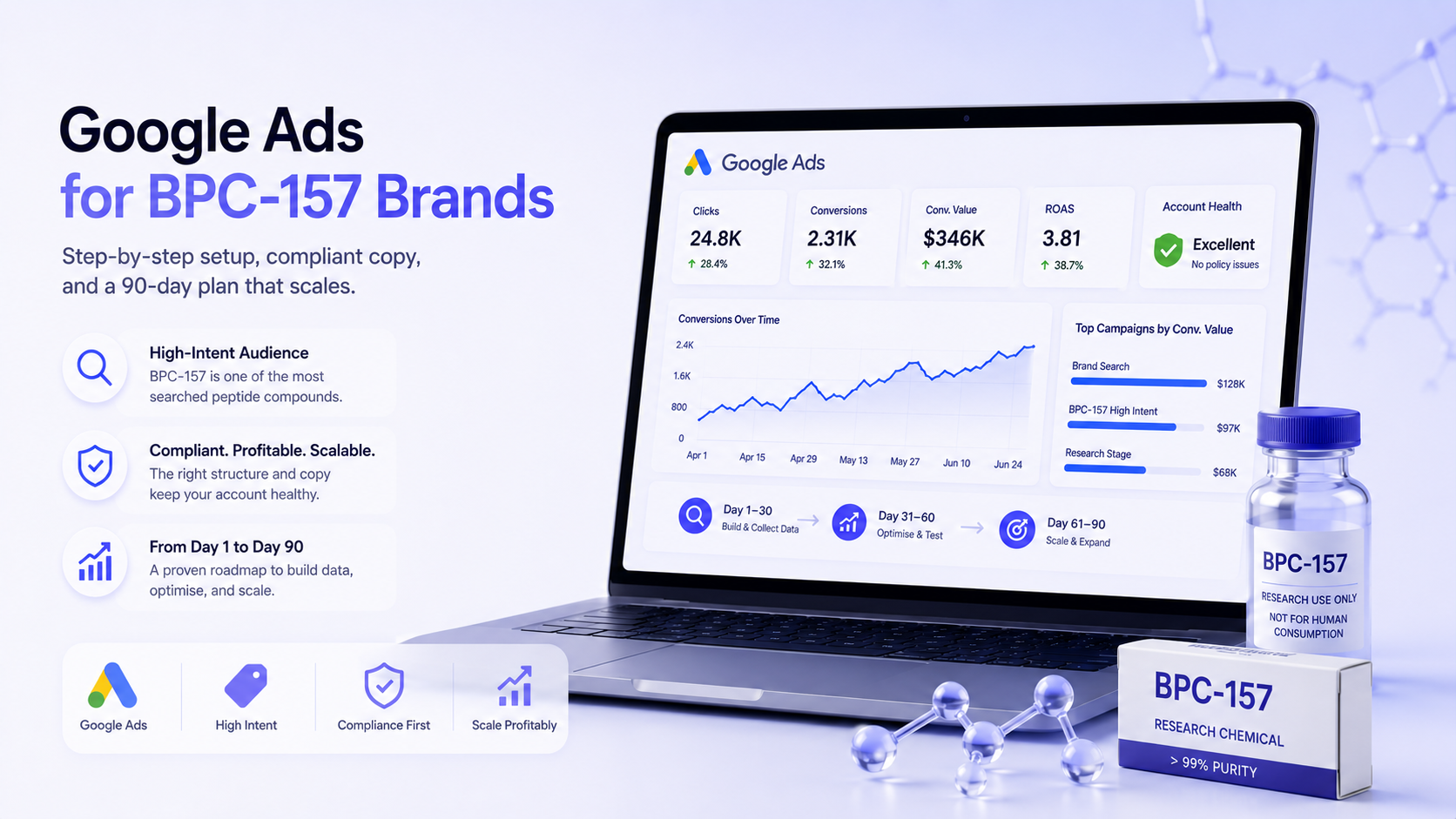
Quick answer: a BPC-157 brand can use Google Ads, but not to advertise BPC-157 directly. BPC-157 isn't an approved drug, Google restricts unapproved pharmaceuticals and supplements, and a "research use only" disclaimer doesn't change how reviewers treat it. The brands that run Google Ads successfully keep the compound out of ads, keywords, feeds and the landing page domain, advertise their brand and compliant product lines, and use SEO and email for BPC-157 demand.
This isn't the answer most BPC-157 founders want, but it's the one that keeps the business advertising. Every week we speak to brands whose accounts were suspended after following "workarounds" that Google treats as circumvention. This guide explains how Google sees BPC-157, how it compares with TB-500 and retatrutide, and the setup that works.
Google's Healthcare and medicines policy doesn't allow ads that promote unapproved pharmaceuticals and supplements, and it keeps a non-exhaustive list of examples. BPC-157 is not approved as a drug, and the FDA has raised safety concerns about it in the context of compounding. In practice this means:
For the policy background, read our guide to Google's unapproved substances policy and the Google Ads policy guide for peptides.
| Compound | Status | Google Ads risk | Notes |
| BPC-157 | Unapproved research peptide | Very high | Keep out of ads, keywords, feeds and advertised domains |
| TB-500 | Unapproved research peptide; banned in sport | Very high | Same treatment as BPC-157; see our TB-500 guide |
| Retatrutide | Investigational GLP-1-class drug | Extreme | Weight-loss drug terms draw extra scrutiny; see our retatrutide guide |
| Semaglutide and tirzepatide | Prescription drugs | Restricted | Only certified advertisers in permitted countries; see semaglutide and tirzepatide |
| Collagen peptides | Food supplement | Manageable | Allowed with structure/function claims |
If you sell several of these, GLP-1 vs research peptide policy differences explains why they need different handling.
People searching your brand already know you. A brand Search campaign pointing to a compliant page on a compliant domain can be workable, as long as the ads and the destination don't promote restricted products.
Many research peptide brands also sell products Google accepts: collagen, amino acids, general wellness supplements, lab supplies. The safest structure puts these on their own domain and ad account, with no restricted compounds anywhere on the site. This is how you build paid revenue that doesn't depend on BPC-157 being allowed.
Articles on research methods, lab testing, purity standards or storage can attract relevant visitors without promoting the compound. Keep these on a compliant domain and link them carefully.
If you're already suspended, follow our peptide ads account recovery guide.
Brands that build around what Google accepts can still grow quickly. A peptides brand rebuilding after an acquisition reached $260K in tracked revenue in six months at 4.2x ROAS with no account-level policy flags, because every ad was rewritten for compliance before spend went up. A peptide recovery brand launched from a cold account had zero policy flags after setup and reached $67,200 in monthly conversion value by month six.
For the full compliant setup, read the flagship guide on how to advertise peptides on Google without getting banned.
Direct ads for BPC-157 products carry a very high risk of disapproval and account suspension, because Google restricts unapproved pharmaceuticals and supplements and BPC-157 is not an approved drug. A research-use disclaimer doesn't change that. Brands usually advertise their compliant products and brand instead, and keep BPC-157 out of ads, keywords, feeds and landing pages.
All three are high risk. Retatrutide is an investigational drug and is especially sensitive because of the GLP-1 category. TB-500 and BPC-157 are both unapproved research peptides. None should appear in ads, keywords or shopping feeds.
No. Bidding on a restricted compound and sending the click to a page designed to hide it can be treated as circumventing systems, which can lead to suspension without warning.
Brand searches, compliant product lines such as collagen or general supplements on a separate domain, lab equipment or services where applicable, and educational content that doesn't promote the compound. SEO and email carry demand for the compound itself.
We'll review your product mix, domains and account setup and show you which parts of the business can advertise safely, and how to grow the rest.
Get a free 30-minute audit of your Google Ads or Meta Ads account. We’ll review compliance, structure, and growth opportunities — no strings attached.
Book a Free Audit